LOOKOUT
NVR
AI NVR Software Features

Everything you need.
Nothing you don't.

LookoutNVR is purpose-built for home labs and small businesses - AI detection, multi-cam live view, local-first recording, and smart alerts without subscription bloat.
Designed for people who know what they want.
Local recording, detection, and the Windows app ship free. The limit is the computer. Video stays on disks you own.
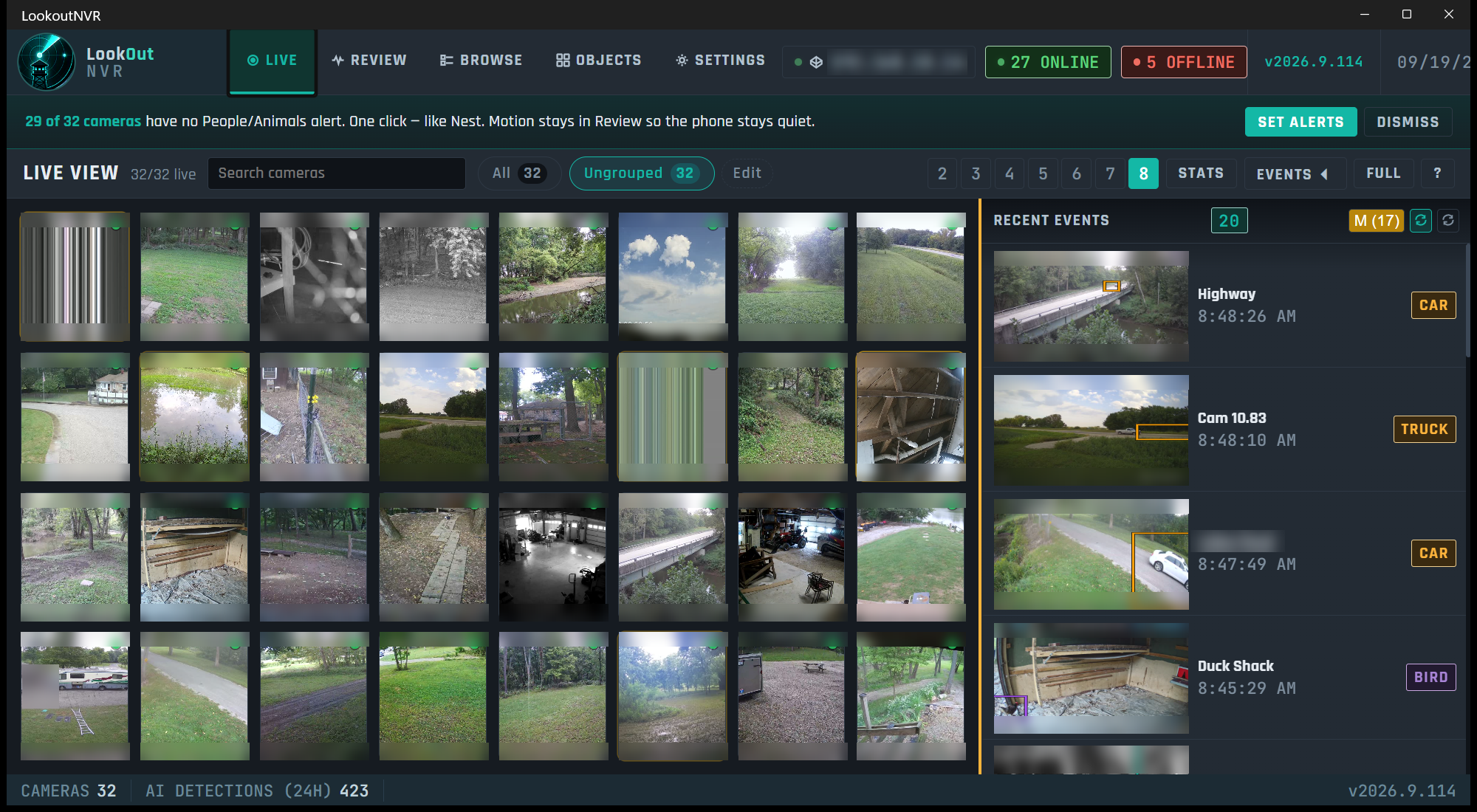
Ultrawide-Ready Live View
Adaptive grid fills 16:9, 21:9, and 32:9 screens. 1-64 cameras in a single view. No blank tiles, no wasted space.
FREE
AI Person & Vehicle Detection
Person, vehicle, and animal. Motion is recorded first. Detection names it, on the GPU or the CPU, and it never decides whether the recording exists.
FREE
Local Recording - Always Yours
Continuous recording onto a disk you own. Put new footage on an NVMe or SSD. A second folder can take older days after the copy is checked: a spinning disk, a larger SSD, or a share the operating system has mounted. Lookout writes files. It does not speak NFS or S3.
FREE
Smart Motion Zones
Draw inclusion/exclusion zones per camera. Combine with AI classification to eliminate false alerts from trees, shadows, and animals.
FREE
Flows: the speaker answers
A raccoon in the back yard at night plays a sound on an outdoor speaker. Home Assistant, a webhook, or a script on the recorder. See the example
FREE
Alerts
The desktop app alerts while it is open. The phone alerts while the Lookout app is open, on the local network or away from it. A buzz after the app is closed is still in beta, and it is not a paid plan. There is no iPhone lock-screen alert yet.
BETA
Remote Access
Video stays on the recorder. Watch it on the local network, or over Tailscale or the VPN the site already uses. Lookout does not relay or store the video.
FREE
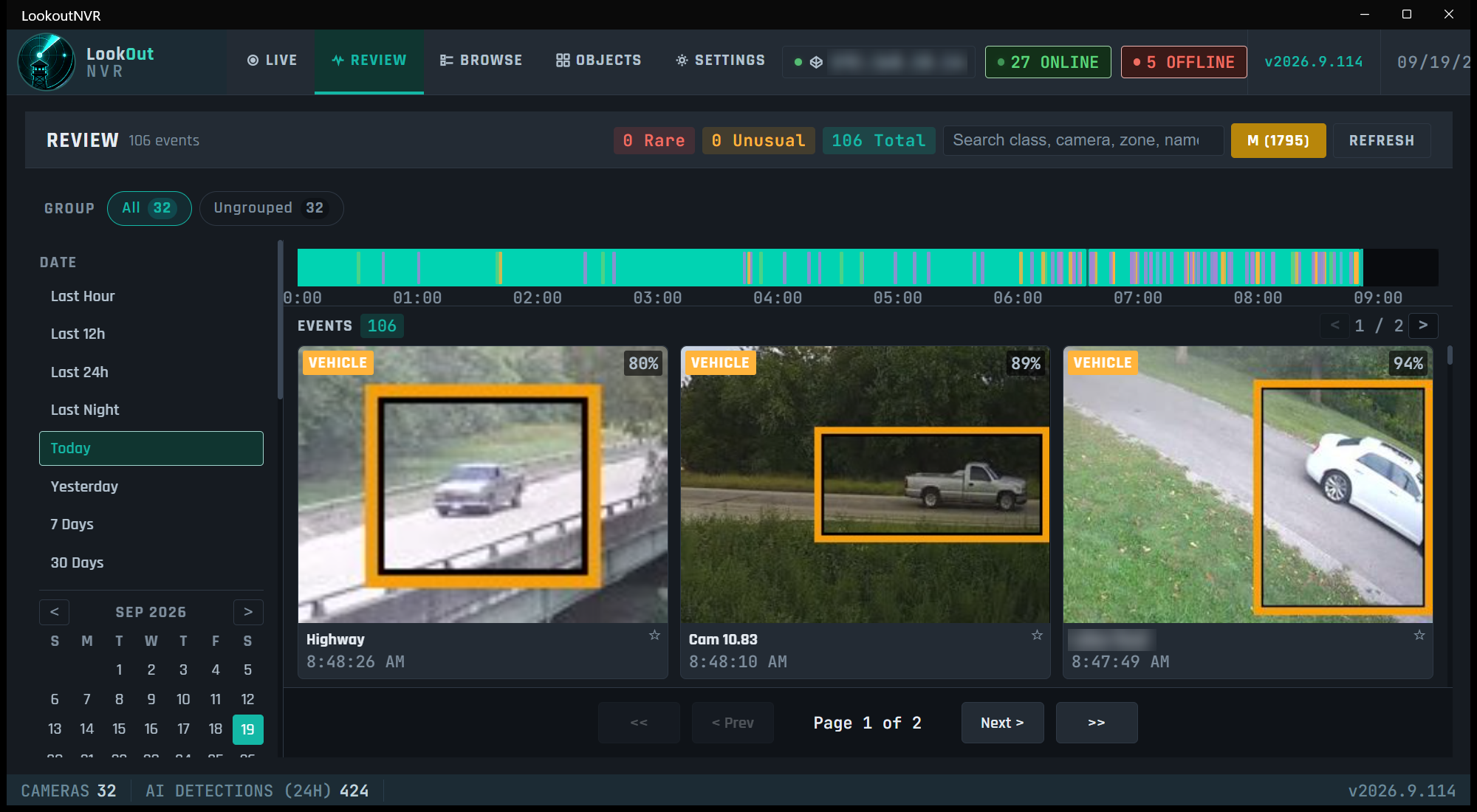
Event Timeline & Search
Scrub through AI-tagged events. Filter by camera, event type, date range. Jump directly to footage in one click.
FREE
Any RTSP / ONVIF Camera
Works with Reolink, Hikvision, Dahua, Amcrest, Axis, and more. If it speaks RTSP or ONVIF, LookoutNVR can record it.
FREE
One recorder per building
Each building has its own recorder and its own disks. The Windows app can sign in to more than one. My wall is up to 16 tiles on that PC. There is no one browser tab that merges every camera.
FREE
Installer site list
The dashboard lists each site: online, offline, or no internet. It does not play the video. Open the pictures over Tailscale or the VPN already in use. See the installer example
BUSINESS
LookoutNVR live view, 32 cameras and a column of recent events
Live. The wall and the events that just happened.
LookoutNVR review, a day timeline and vehicle events with boxes
Review. The day, the timeline, and what the AI named.
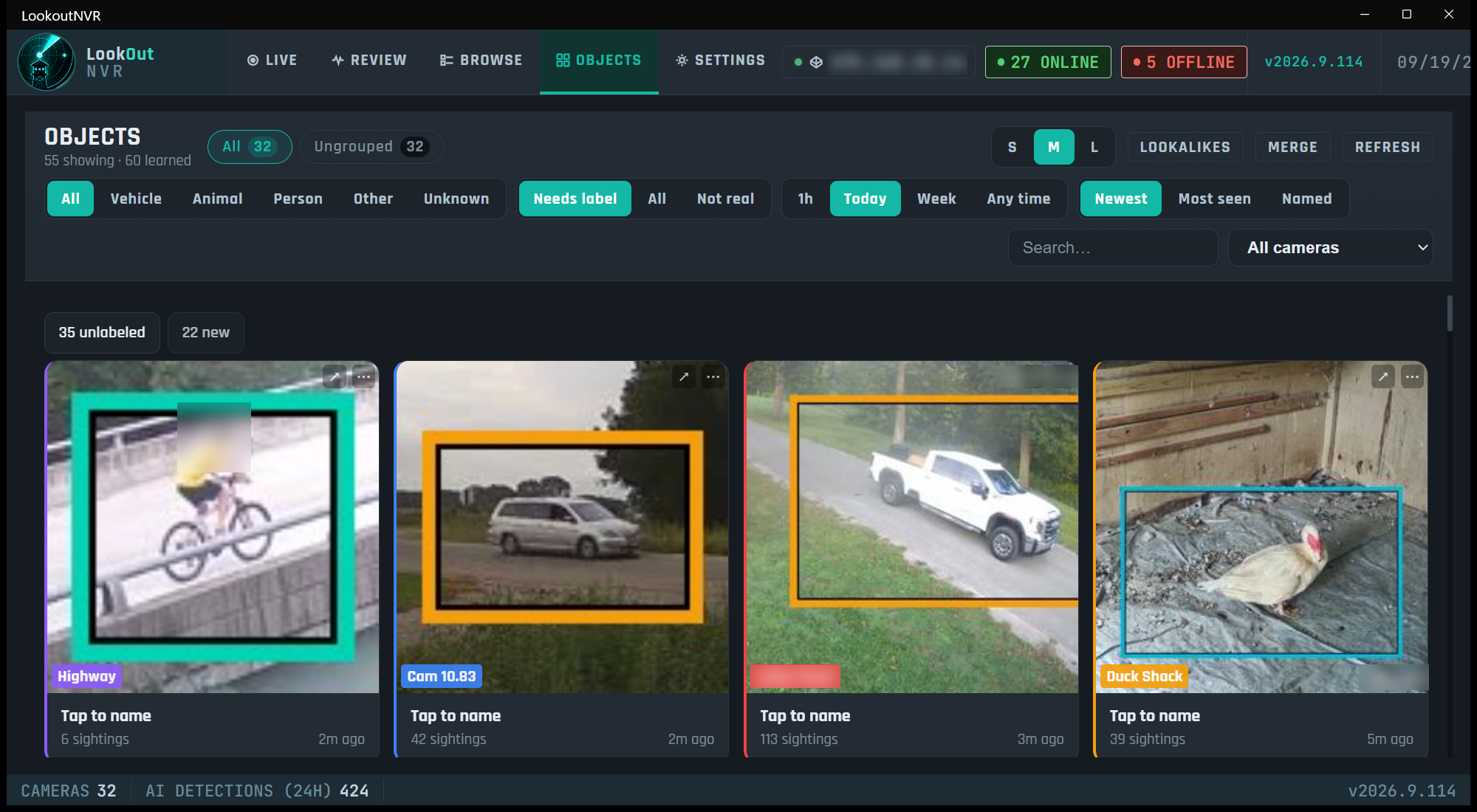
LookoutNVR objects, learned vehicles, a person, and an animal waiting for a name
Objects. It learns the truck. You name what matters.
Built for the way you actually monitor.

Most NVR software forces you into fixed 4x4 or 8x8 grids. LookoutNVR calculates the optimal layout for your screen and your camera count - automatically. Got a 34-inch ultrawide? It fills it.

  • Auto-layout: 1 to 64 cameras, any screen ratio
  • Per-camera status: online, offline, connecting, FPS
  • AI detection boxes overlaid in real-time
  • Click any cell to fullscreen or pop-out
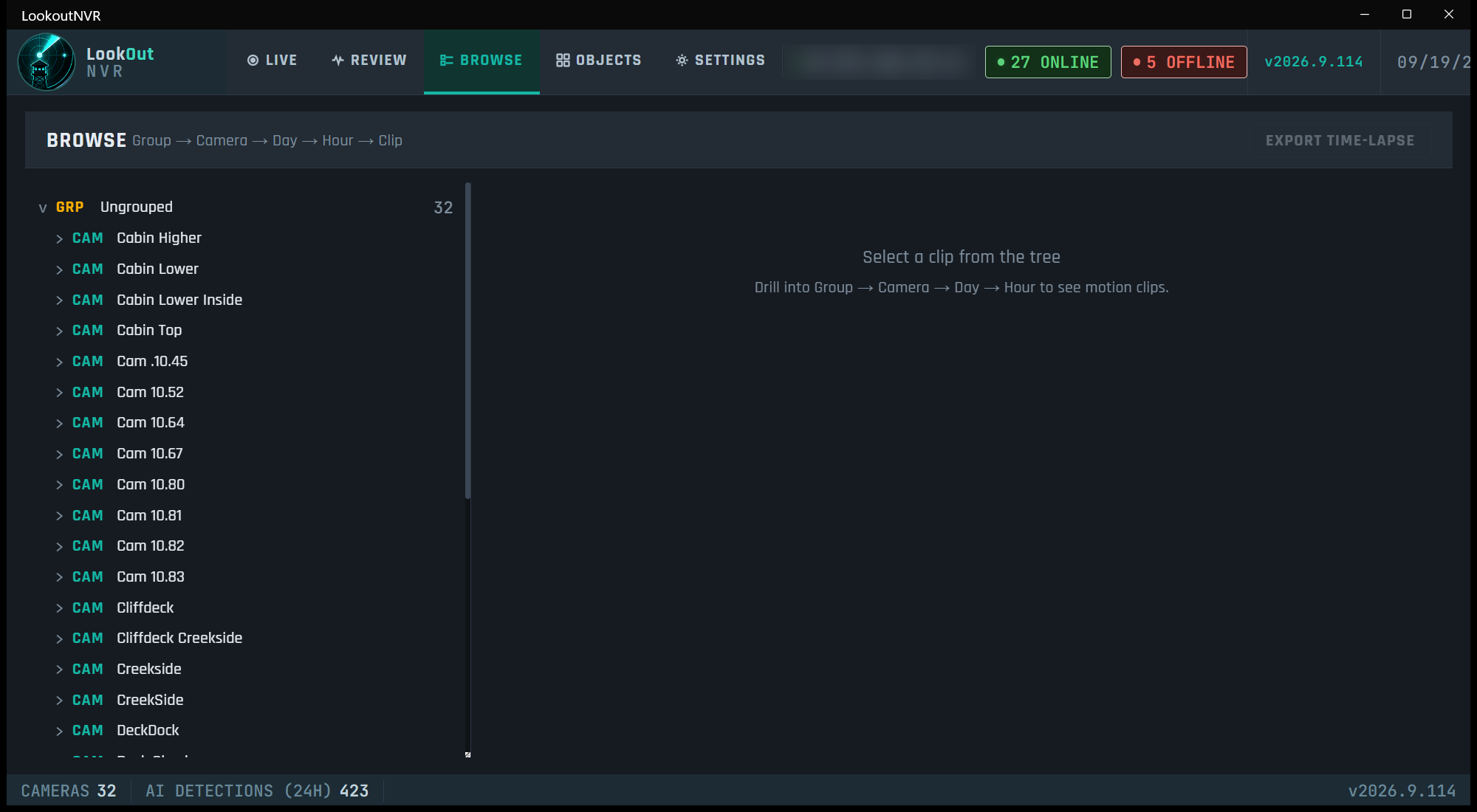
LookoutNVR browse, recordings laid out by camera and day
Browse. The recordings, by camera and by day.
Detection runs on the computer you own.

Motion is recorded first. Detection names the person, vehicle, or animal, and it never decides whether the recording exists. It runs while something in the picture is moving. On Windows that is DirectML when a graphics card is present, and the CPU when it is not. On Linux with no NVIDIA card, detection uses the CPU.

  • Person, vehicle, animal classification
  • Configurable confidence thresholds per camera
  • Windows uses DirectML when a card is present
  • No card is fine. Linux uses the smaller CPU image
LookoutNVR objects page, with boxes around a cyclist, vehicles, and an animal
The same day, as objects. A name sticks the next time that truck comes back.
The yard sees a visitor. The speaker answers.

When something you care about shows up in a zone, Lookout can do more than notify you. A raccoon in the back yard at night plays a sound on the outdoor speaker, then waits before doing it again.

The detector has no raccoon class. Name that animal raccoon, or match any animal in the zone. Until you do, a cat or a dog in that zone counts too.

  • Home Assistant plays a bark, or says "Get out of here"
  • A webhook hits a speaker that has its own address
  • A script on the recorder calls a device with an odd API
  • A device login stays in that script. Lookout does not store one for it
FLOW - RACCOON IN THE YARD
WHEN
A raccoon is seen in Back yard, after sunset.
THEN
Play a sound on the outdoor speaker.
WAIT
2 minutes before it can fire again.
Your cameras are working.
Is your NVR keeping up?
Download LookoutNVR free. Local recording, AI detection, and a live view that doesn't make you squint - no subscription needed to get started.